PARAMETRIC · 3D · STEP
GT2 Timing Belt Generator
Enter tooth counts of two pulleys, center distance, and belt width to generate a STEP file for a GT2 timing belt.
Standard
GT2
Pitch
2mm
Teeth
None
🔍
View 3D Preview First
HOW-TO How to Generate a GT2 Timing Belt STEP File +
- Enter tooth counts for Pulley 1 and 2, center distance, and belt width
- Calculated values update in real time as parameters change
- Click "Download STEP File" or "Preview STEP Model"
- If you selected "Download STEP File", the STEP file will be saved automatically
- If you selected "Preview STEP Model", check the 3D model, then click "Download STEP File" manually
SAMPLE
STATIC · DEFAULT-VALUE MODEL
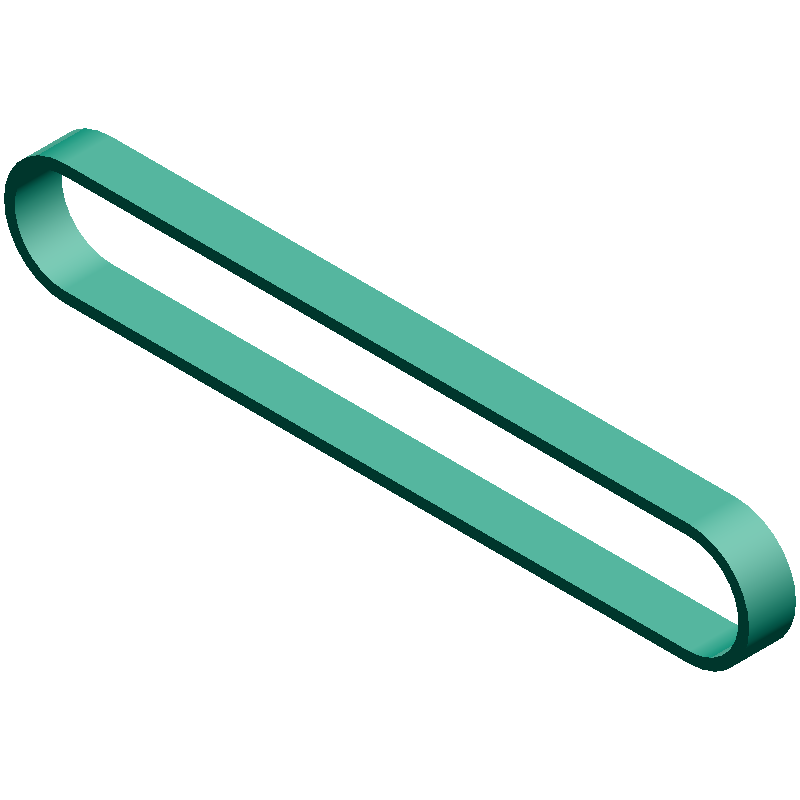
CALCULATED · SPEC
AUTO-COMPUTED
pd₁
12.73mm
Pulley 1 Pitch Diameter
pd₂
12.73mm
Pulley 2 Pitch Diameter
L
200.0mm
Effective Belt Length (reference)
PARAMETERS
Enter Dimensions



ABOUT · STEP
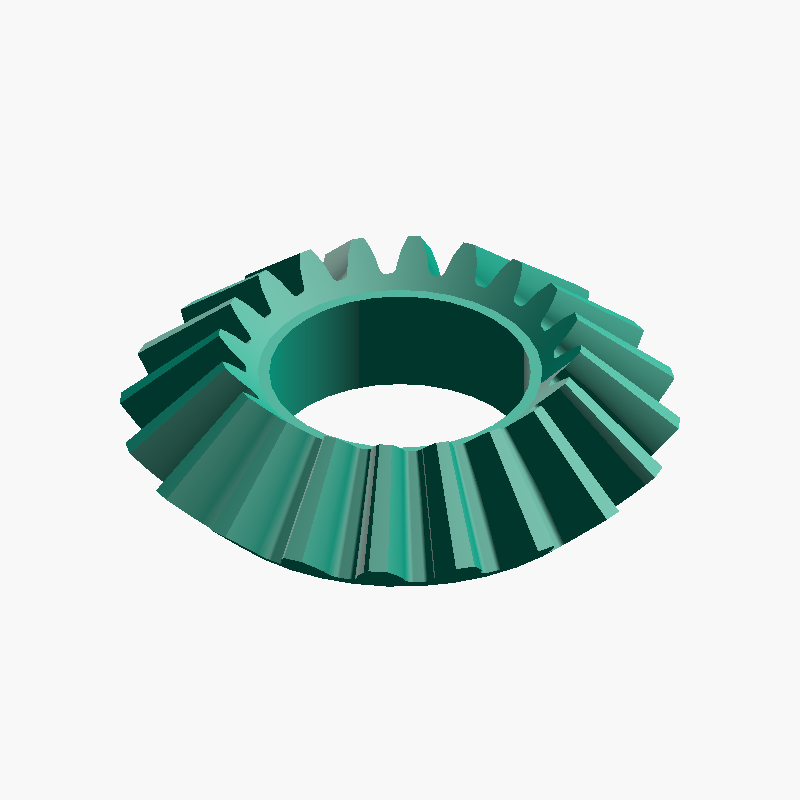
The STEP file (.step / .stp) is a standard 3D CAD format that retains dimensional and topology data. Compatible with major CAD software including Fusion 360, SolidWorks, and FreeCAD.
- Full-scale solid (mm units)
- Editable dimensions and post-processing in CAD
- Convertible with a slicer for 3D printing
FEEDBACK
BUG · REQUEST
0 / 500

- ➰ V-Belt Length & Center Distance Calculator Calculate the recommended belt designation, actual center distance, wrap angle and belt speed from the belt type and effective pulley diameters
- 📐 GT2 Pulley Center Distance Calculator Calculate the center distance between GT2 pulleys from the belt length
- 📏 Stepper Motor Steps/mm Calculator Calculate steps/mm and travel distance from step angle, microstepping, and drive type